AI Gen
Setting up an Ollama server for private LLMs

Ollama makes it straightforward to run local LLMs with a clean API surface. The key is packaging it as a reliable service: predictable startup, controlled access, and sensible model hygiene. This guide walks through a production-friendly setup we use for private deployments.
1. Choose the right host
Start with a Linux host sized for the model class you intend to run. Plan for model storage, fast disks, and predictable networking. Keep this host isolated behind a VPN or private subnet if it will serve internal teams.
2. Install Ollama
The quickest Linux install uses the official script. For manual install or architecture-specific builds, follow Ollama's Linux guide.
curl -fsSL https://ollama.com/install.sh | sh

ollama serve
3. Pull a model and verify
Ollama pulls models on first run. The command below downloads and starts a model to confirm everything is working end-to-end.
ollama run gemma3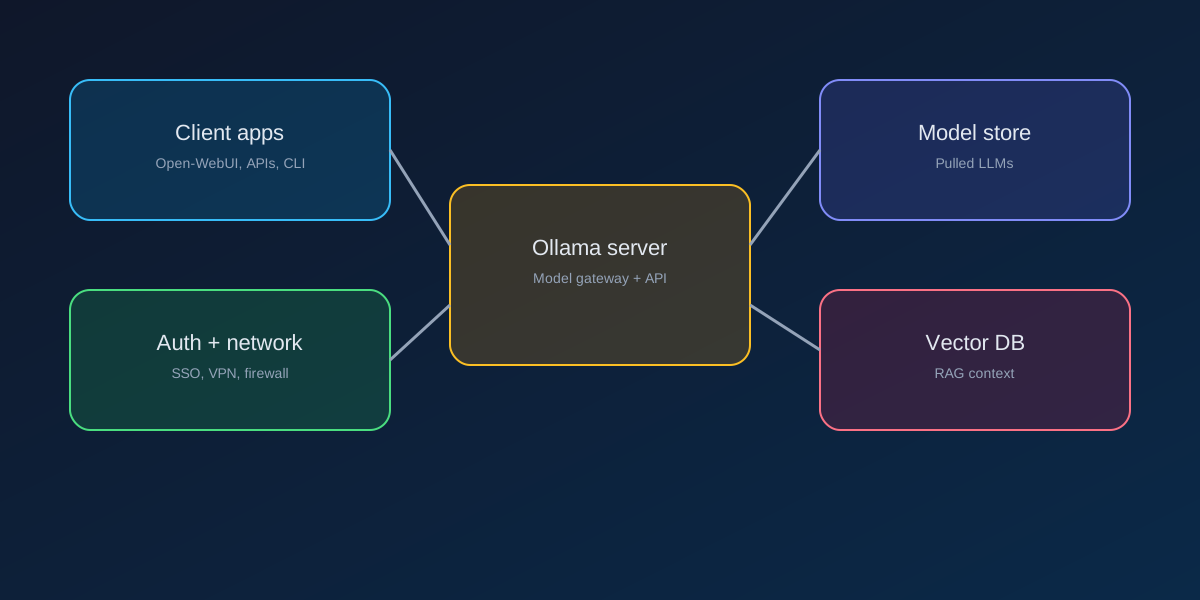
4. Run it as a service
For production, run Ollama under systemd so it restarts on failure. After installation, check the service status and configure environment overrides as needed.
sudo systemctl start ollama
sudo systemctl status ollama

sudo systemctl edit ollama

journalctl -e -u ollama
5. Harden access
- Expose the service only inside your VPC or VPN.
- Place a reverse proxy in front for TLS termination and auth.
- Keep model storage on encrypted volumes.
- Log model usage and review data flows for sensitive content.
How Pipeline-e helps
We deploy Ollama alongside Open-WebUI or custom apps, wire up RAG pipelines, and deliver the governance controls your team needs. If you want a private AI stack with production reliability, we can stand it up in weeks.
Ready to deploy private AI?
Let's scope your Ollama environment.
Tell us about your models, data, and security requirements. We'll propose a launch plan and timeline.